

Start with what you want to make
Choose a starting point and let Lanku shape the production.
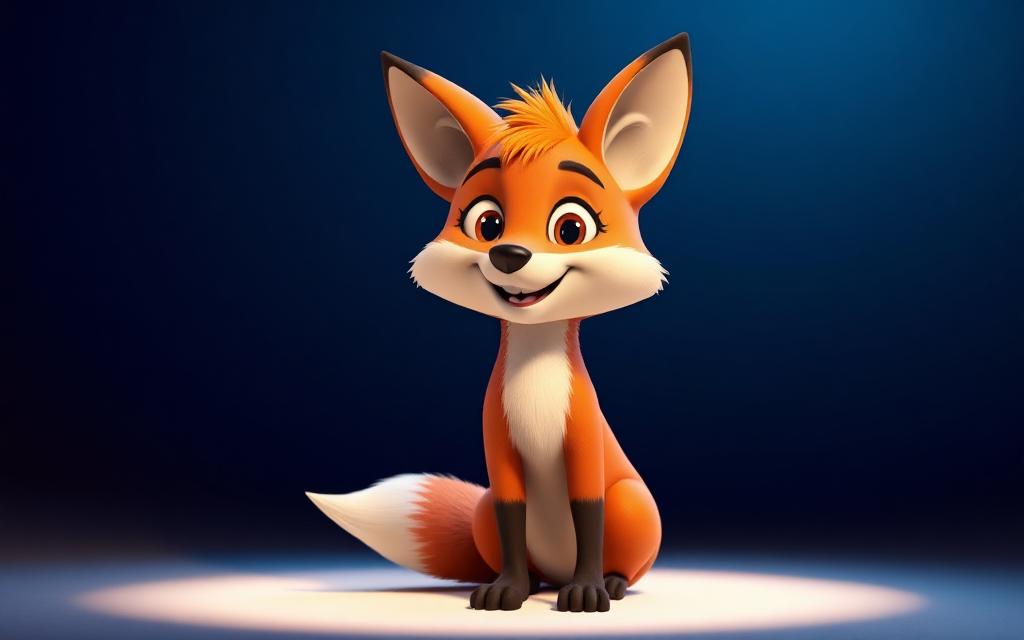
- Kids & CharactersAnimated characters, children's stories and recurring cast content.Start creating
- Social & ShortsShort vertical videos, Reels, TikTok-style and YouTube Shorts content.Start creating
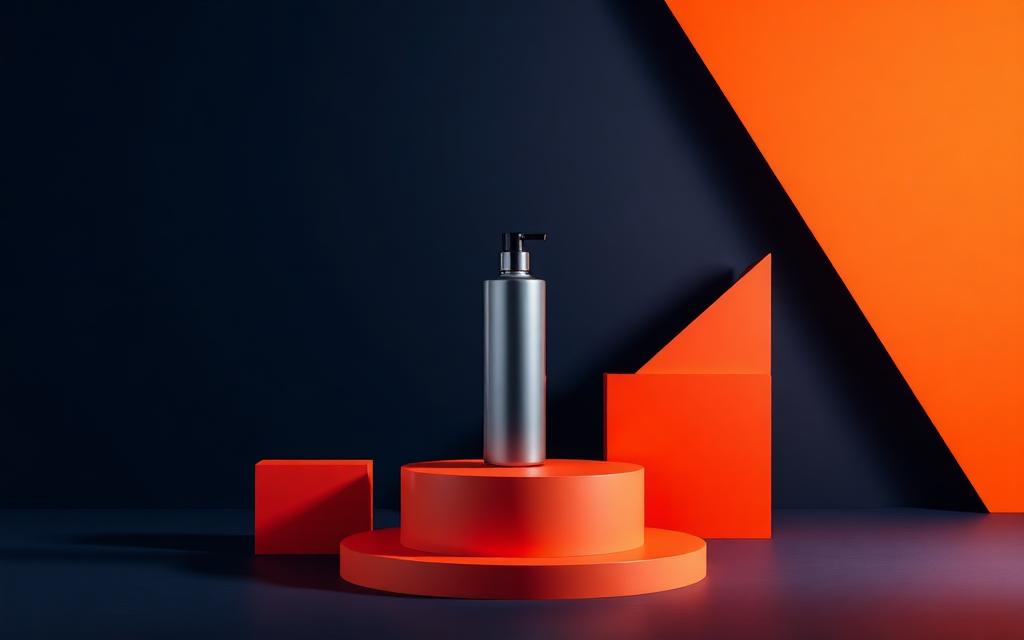
- Marketing & AdsProduct promotions, campaigns, brand videos and commercials.Start creating
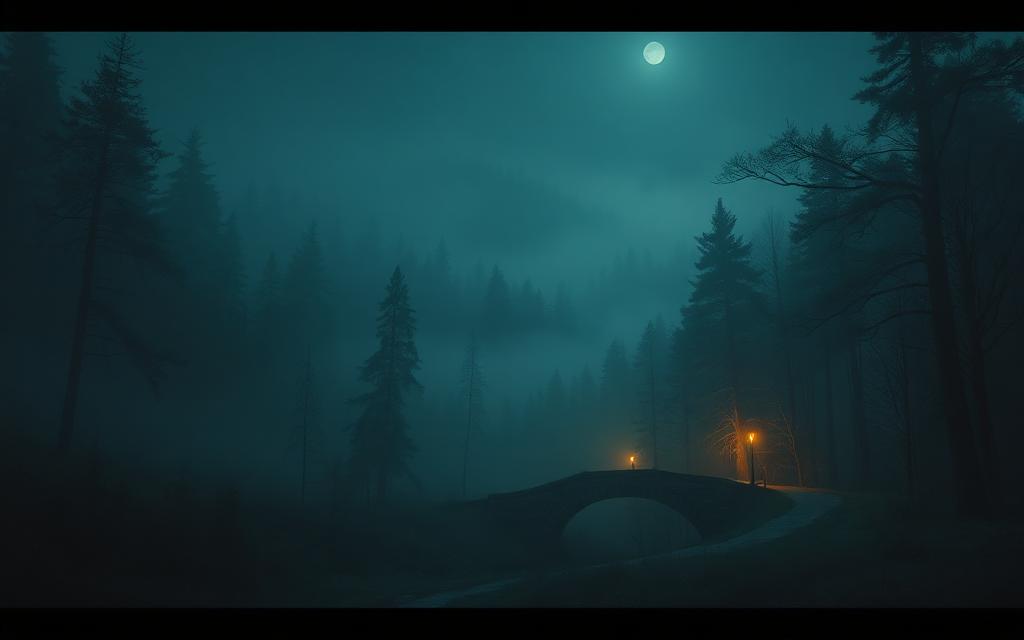
- Stories & EntertainmentNarrative, cinematic, anime and entertainment-focused content.Start creating
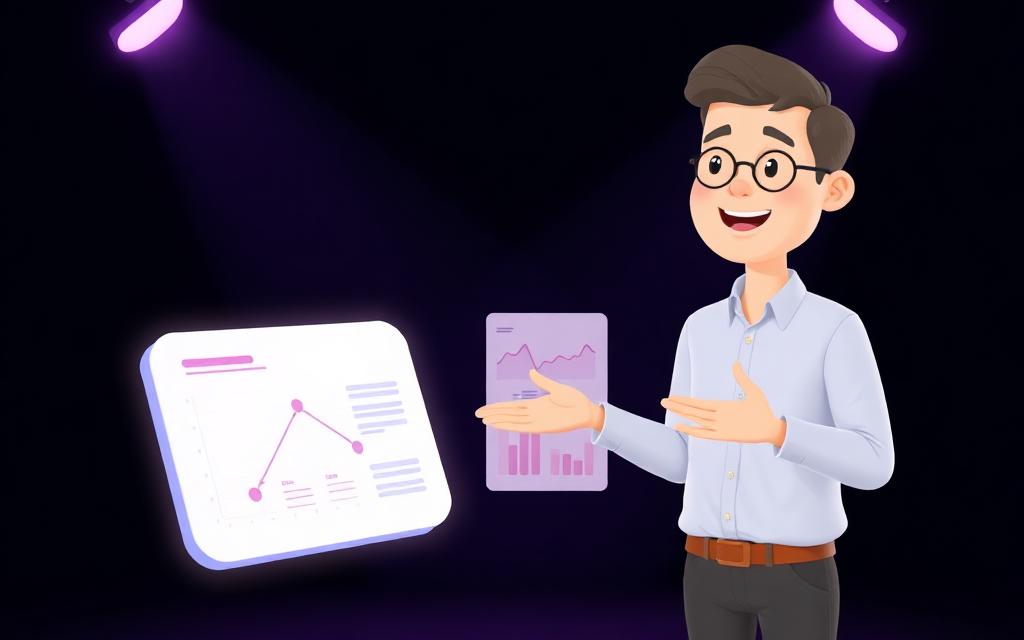
- Education & ExplainersEducational stories, explainers, training and informational video.Start creating
Create an image
Start from a look — Lanku picks a matching image template for you.
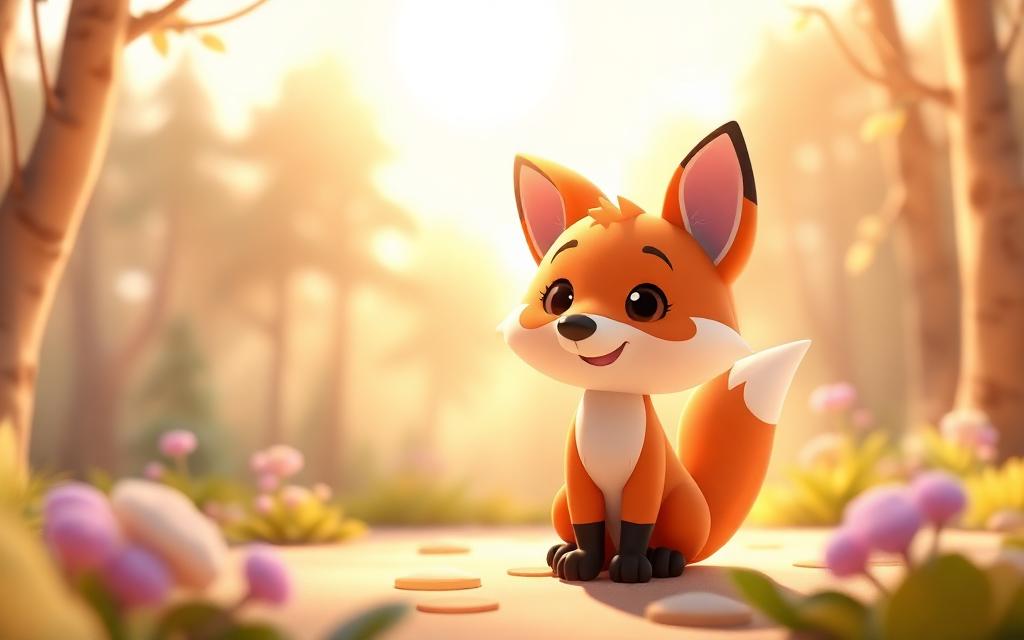
- Character & ReferenceCharacter portraits, turnarounds and reference sheets for your cast.Create an image
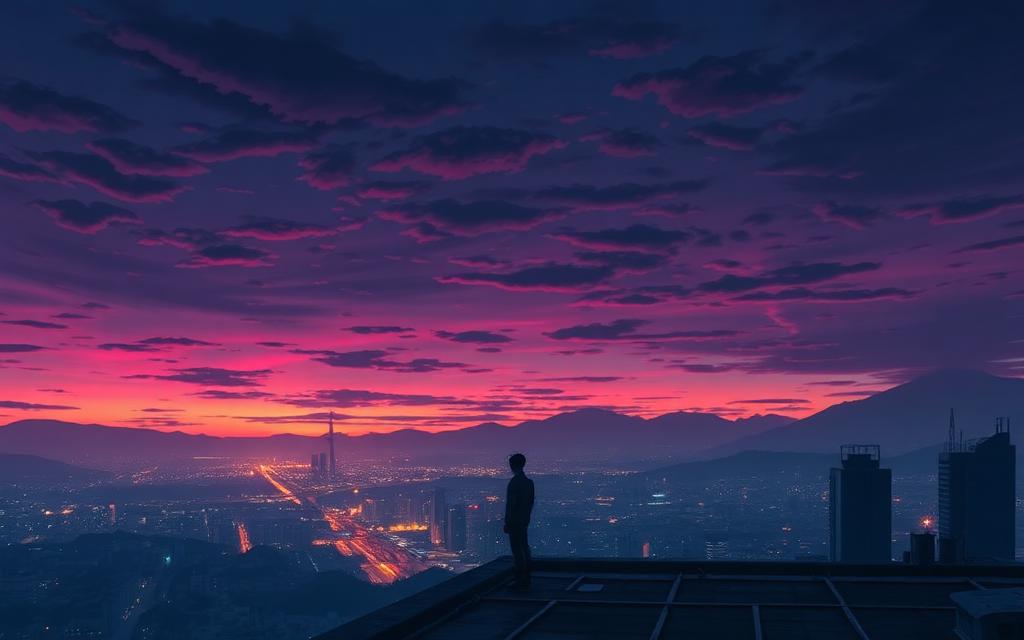
- Scene & Concept ArtEnvironments, concept art and storyboard frames for your stories.Create an image
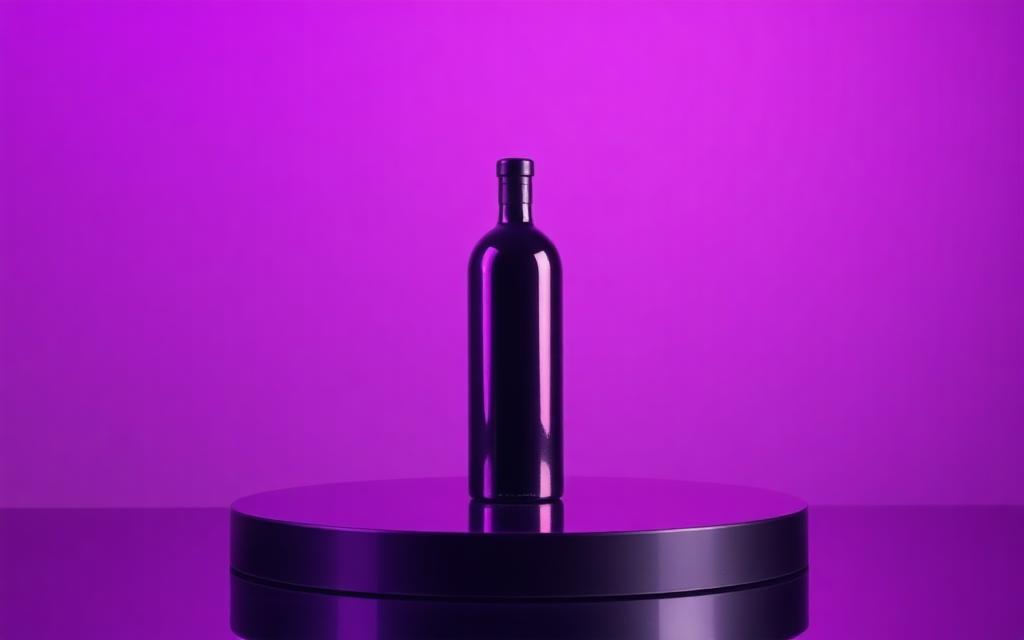
- Marketing CreativeProduct shots, ad creative and campaign visuals.Create an image
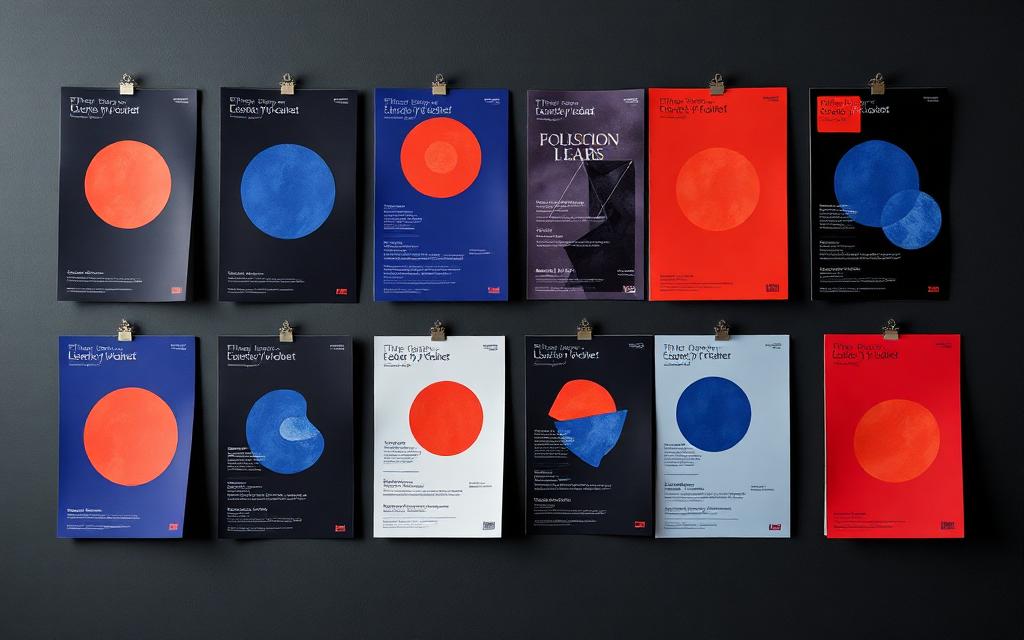
- Posters & FlyersPosters, flyers and print-ready promotional layouts.Create an image
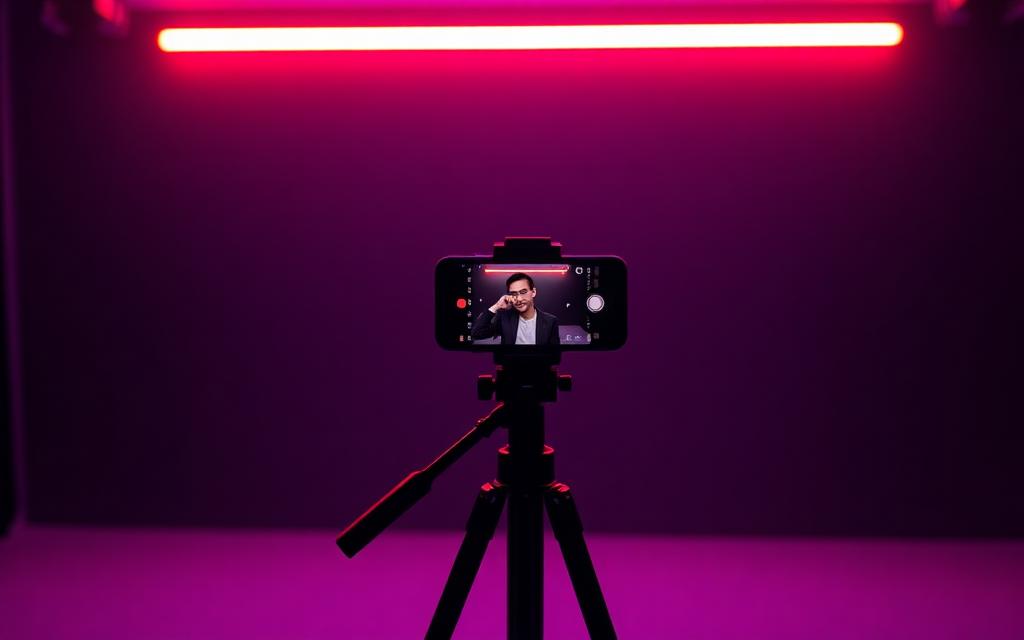
- Social MediaFeed posts, stories and thumbnails sized for every platform.Create an image
- Website & BrandHero images, brand visuals and site-ready artwork.Create an image
Recent Videos
View allGetting Started
Four moments take an idea to a finished video.
- Step 1 · Story & charactersDescribe your idea and choose the characters that appear in it.
- Step 2 · StoryboardReview scene by scene, edit dialogue and set each scene's length.
- Step 3 · Visuals & motionTurn approved scenes into images and animated shots.
- Step 4 · Voices & finishAdd voices and audio, then render the finished video.